

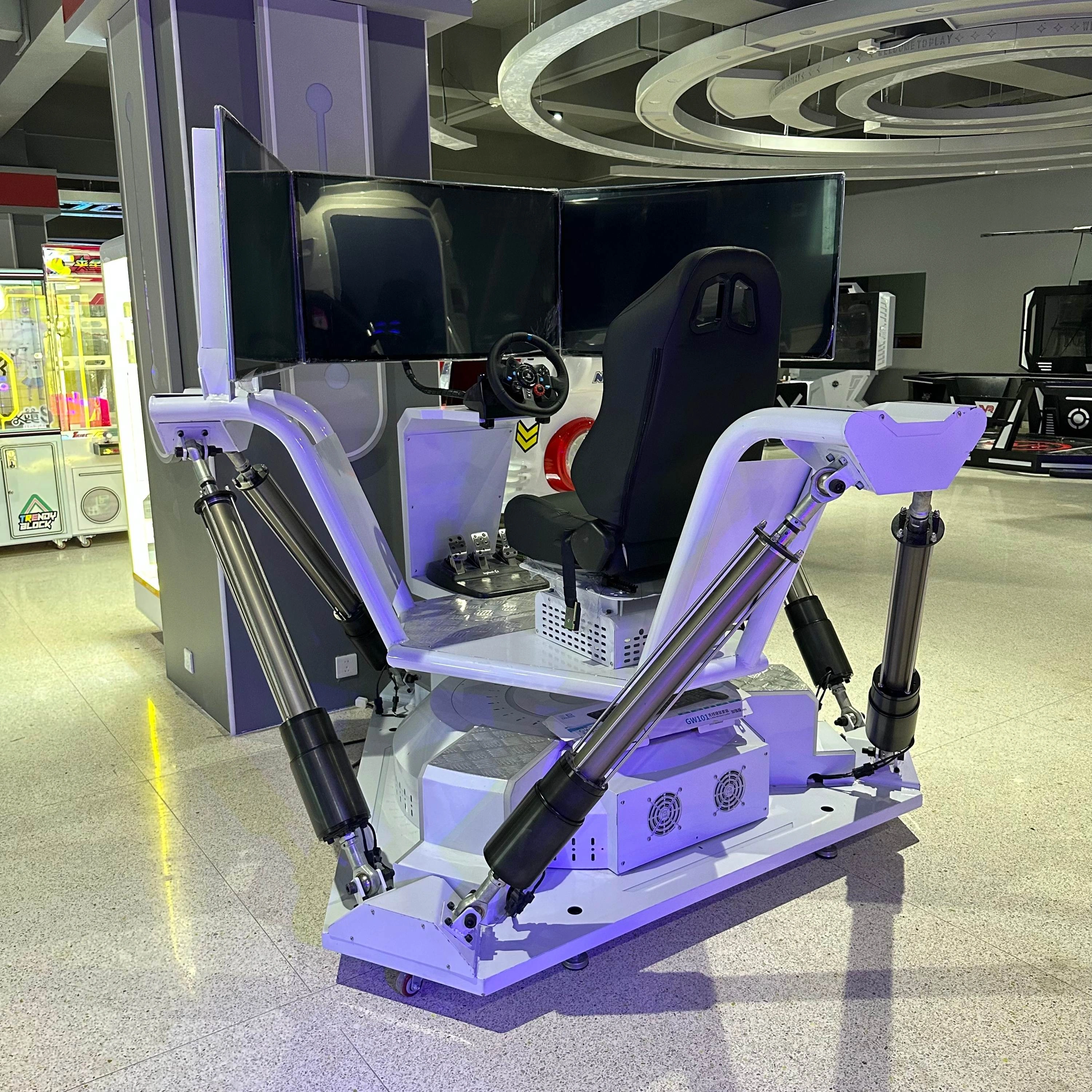
Linear Actuator Selector for Requirement-Led Product Matching
Start from the operating point—working load, required speed at that load, stroke and motion—then add electrical, control, mounting or environmental constraints where they matter. This is an early screening tool, not final application approval.
Enter known requirements. Leave nonessential fields open rather than guessing.
The selector is designed to keep force, speed, stroke and application connected. If the mechanism still needs calculation, use the actuator sizing resource → first and return with the calculated requirement set.
| Selector input | What to enter | Why it matters |
|---|---|---|
| Working load / force | Required push or pull load at the critical part of the motion | Defines the basic force requirement |
| Required speed | Speed needed while carrying the working load | Keeps no-load speed from being treated as loaded performance |
| Stroke / travel | Required movement from start to end position | Narrows candidates by available travel |
| Application / motion direction | Lift, push, pull, slide, tilt, position, or another defined motion | Adds orientation and load-direction context |
| Actuator structure | Rod-style, compact/slider, electric cylinder, or leave open | Helps route the requirement to a suitable family |
| Voltage | Known supply or system voltage | Screens electrical fit where supported by product data |
| Control / feedback | Direction-only control, position feedback, controller/interface requirement, or unknown | Identifies integration constraints |
| Mounting / space | Installation envelope, mounting-center limits, or key geometry | Separates required travel from physical fit |
| Duty / cycle | Move time, cycles, rest period, or another known usage condition | Flags operating conditions that need deeper review |
You do not need to begin with a model name.
A shared force or stroke value does not make two products equivalent. Structure, drive arrangement, loaded speed, dimensions, mounting, controls, duty conditions and available configuration evidence can all change the result.
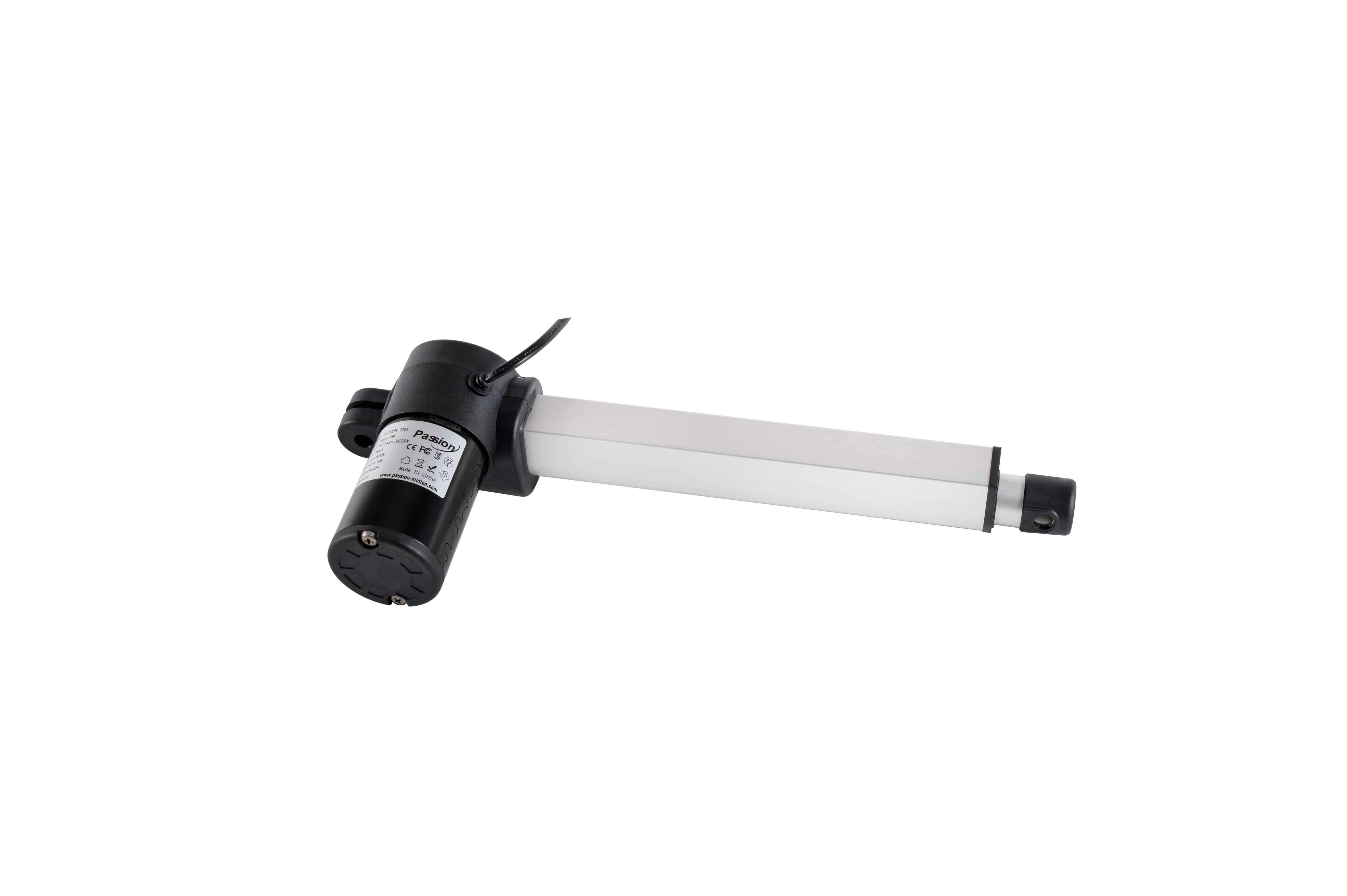
Linear actuator families
Use this route when the requirement points toward push-rod or compact linear motion. Carry working load, loaded speed and stroke into model-level review instead of selecting from a family maximum alone.
Review linear actuator families →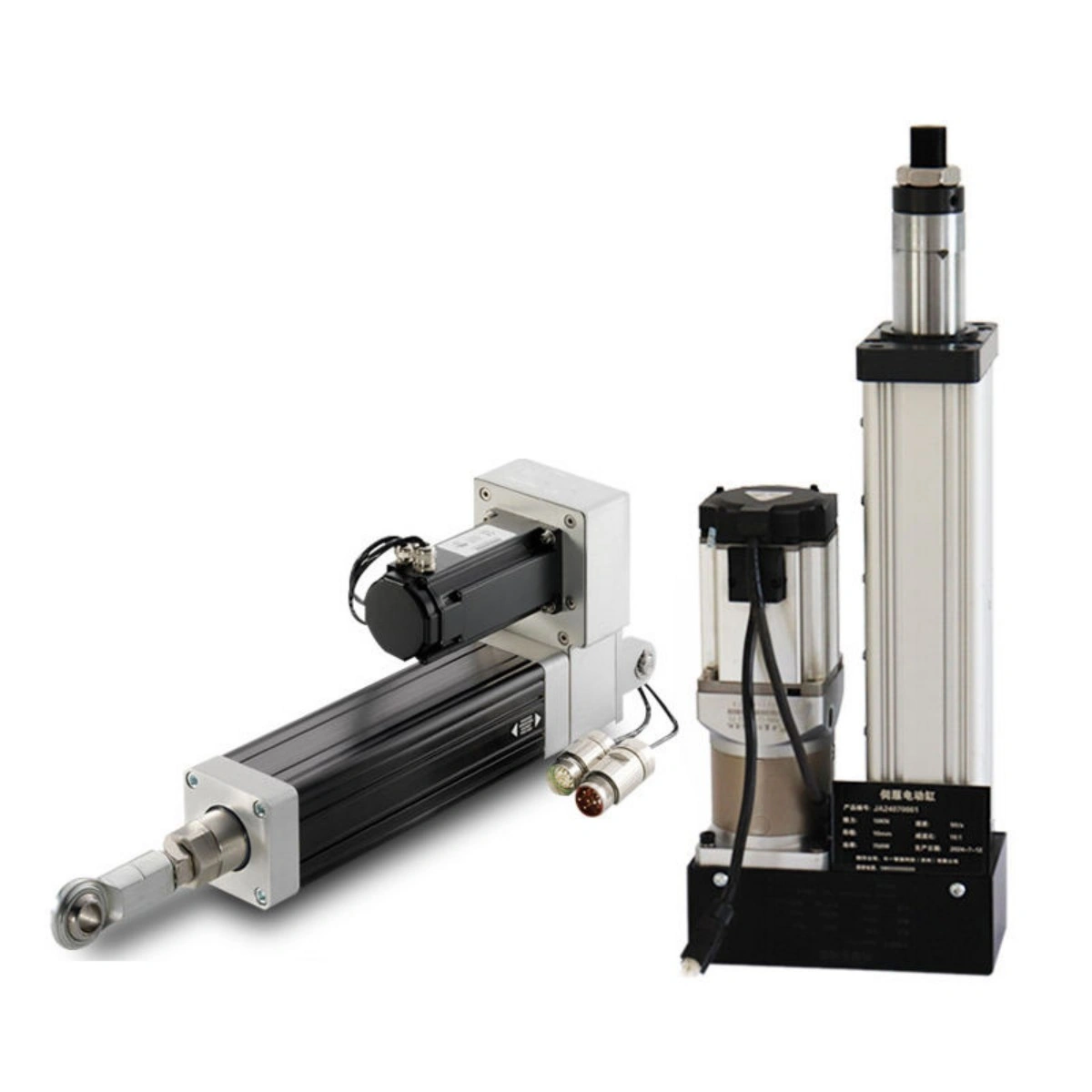
Electric cylinder range
Use this route when the motion requirement points toward an electric-cylinder architecture. Compare the operating point, dimensions, mounting and drive/interface requirements together.
Review electric cylinders →A shortlist is a decision aid—not final application approval.
The final result needs configuration-level evidence. A useful selector should communicate whether available product data covers the stated hard constraints, whether a limiting constraint remains, or whether catalog filtering is the wrong decision method.
Meets the stated screening requirements
Available product data covers the entered hard constraints closely enough to move the candidate into model-level review. Verify the actual operating point, dimensions, interfaces and configuration notes before release.
Closest alternative
No candidate meets every stated requirement. Identify the limiting constraint—force, loaded speed, stroke, voltage, structure or another input—before deciding whether the requirement or actuator architecture can change.
Requires engineering review
Unusual geometry, side load or moments, demanding cycle conditions, nonstandard interfaces, synchronization, custom dimensions or an unconfirmed operating point should not be resolved by catalog filters alone.
Mechanical fit is only one part of selection.
Where the project already has a power, controller, feedback, handset or cable architecture, capture those requirements before releasing a candidate. If system pairing is the main question, use the actuator system compatibility resource → .
A complete system match may still require configuration-level confirmation.
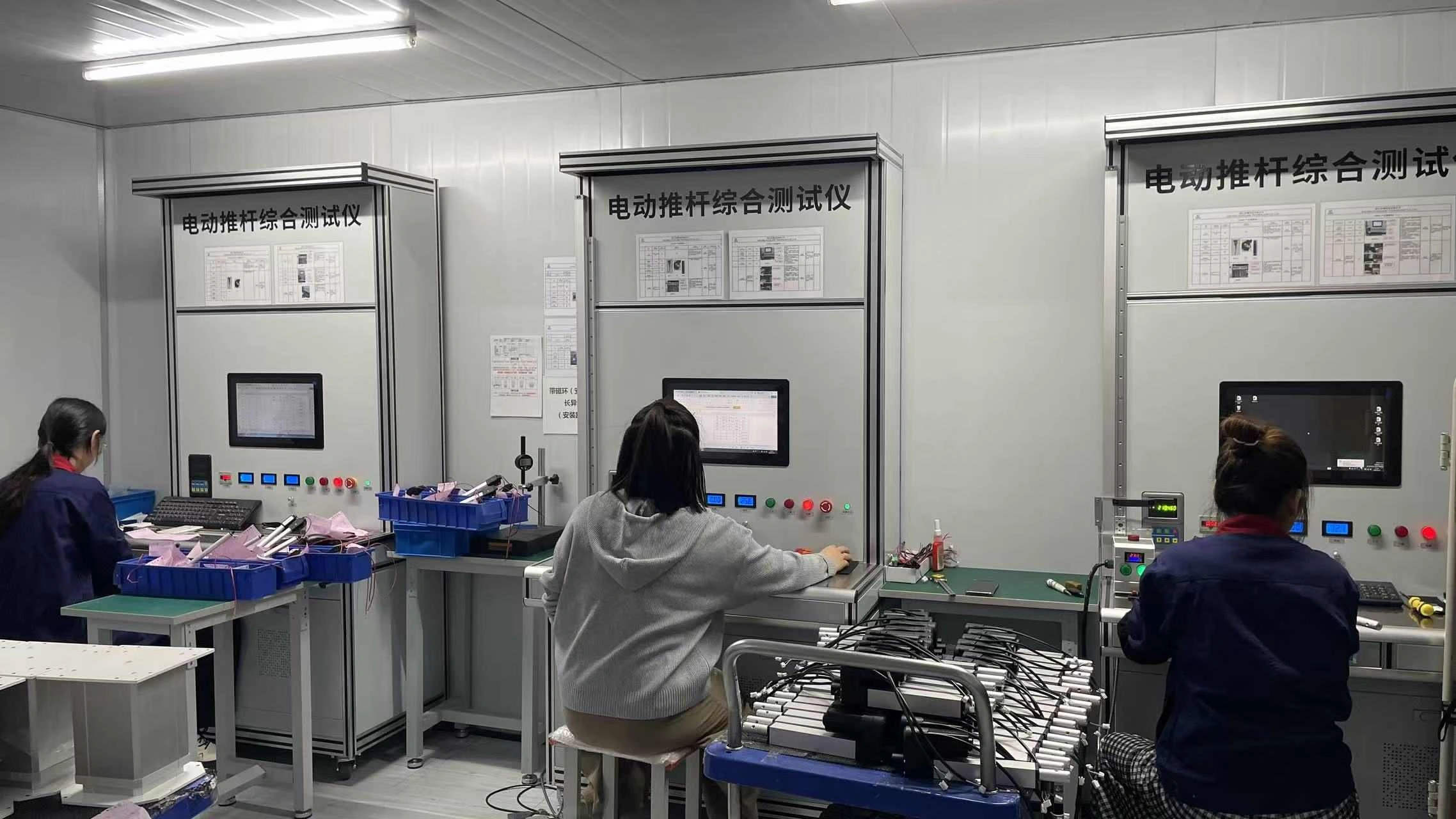
Confirm the shortlist before drawing review, sample request or quotation.
Use the selector to narrow the decision—not to skip engineering review.
Start with what is known, preserve unresolved constraints, and move the shortlisted family or requirement set into configuration-level review.
Start with working load, required speed at that load, stroke, and application or motion direction. Add voltage, control, feedback, mounting, duty, and environmental constraints when known.
Yes. Begin with the requirement set and leave the family or structure filter open. The selector is intended to narrow options from the motion need.
No. A match means the candidate can move into deeper review based on the information available. Final selection still depends on the operating point, dimensions, interfaces, cycle conditions, environment, and released configuration evidence.
Actuator speed can change with load and drivetrain configuration. The useful design input is the speed the mechanism needs while moving the working load.
Review the closest alternative and the requirement preventing a full match. If that requirement is fixed, a different actuator architecture or custom engineering review may be the correct next step.
It can capture relevant integration requirements, but the shortlist should not be treated as a complete compatibility decision. Confirm actuator, controller, power, feedback, connector, and cable pairing at configuration level.
Yes, as an initial screening step. Preserve unmatched requirements and send them with the shortlisted family for engineering review.
Send the Requirement Set for Engineering Review
If the selector leaves an unresolved operating point, mounting condition, interface, or custom requirement, send the working load, loaded speed, stroke, installation constraints, cycle conditions, supply/control requirements, and project context.
Request engineering review →