
Linear Actuator Engineering Resources
Use this engineering resource center to reach the right tool, design file, or system check for the decision in front of you. ServoCylMotion organizes the main engineering tasks into four routes: product matching, preliminary sizing, CAD and product data, and actuator-system compatibility.
Choose the resource that matches the current engineering task, then verify the result against the current model, configuration, and project conditions before design release.
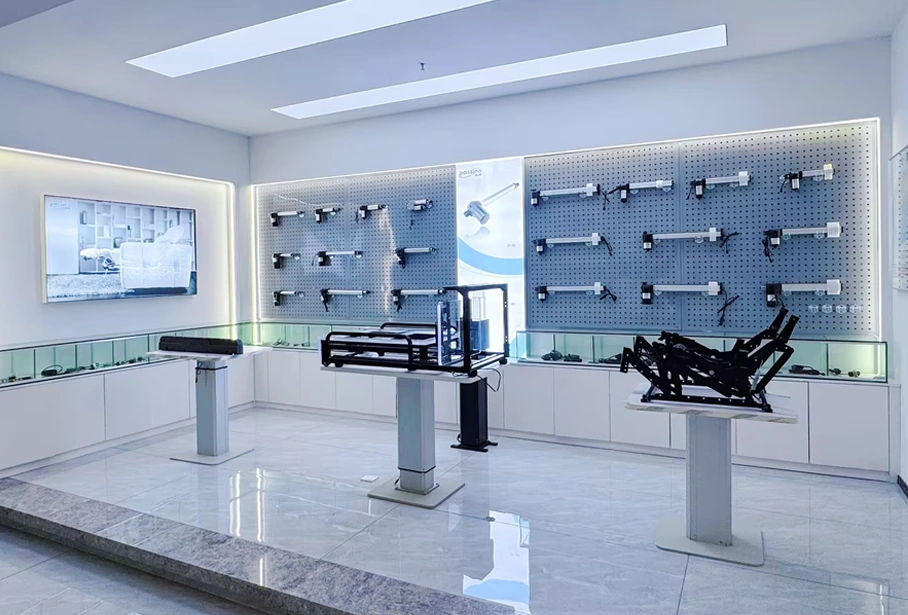 Product matching → sizing → design files → system verification
Choose the Engineering Resource You Need
Find a Candidate With the Product Selector
Use the Product Selector when you already know the main motion requirements and need to narrow the available actuator options.
Have these inputs ready where possible:
- required load or thrust context;
- travel;
- target loaded speed;
- available mounting space;
- supply voltage;
- operating environment;
- feedback or control needs.
A selector is most useful after the application requirements have been defined. If the required force, travel, or operating conditions are still uncertain, start with the sizing resource first.
Open Product SelectorDefine the Requirement With Actuator Sizing
Use Actuator Sizing to organize the mechanical inputs behind a preliminary actuator requirement.
Sizing work may need more than the load value alone. Mechanism geometry, pivot positions, center of gravity, friction, load direction, cycle pattern, and alignment can change the force that the actuator actually sees.
Record the assumptions used in the calculation. The output should become an input to product matching and model verification, not a substitute for current product data or prototype testing.
Open Actuator SizingVerify Mechanical Fit With CAD & Datasheets
Use CAD & Datasheets after you have a candidate model or family and need design-in information.
Depending on the available record for the model, this resource is the route for items such as:
- dimensional drawings;
- CAD files;
- datasheets and product data;
- mounting dimensions;
- retracted and extended envelope checks;
- model-specific technical information.
For design release, use the current file that matches the intended model or configuration. A general engineering article is not a replacement for model-specific dimensions or operating limits.
Open CAD & DatasheetsCheck the Complete System With Compatibility Resources
Use System Compatibility when the actuator must be checked together with controllers, power supplies, wiring, feedback, or related interfaces.
A mechanical fit does not automatically establish an electrical or control-system fit. Review the relevant combination for:
- voltage;
- running and startup current;
- controller current capacity;
- connector and wiring arrangement;
- feedback type;
- limit behavior;
- synchronization requirements;
- power-supply capacity.
When interface details are unclear, keep the combination pending review rather than assuming compatibility.
Open System CompatibilityHave These Engineering Inputs Ready
You do not need every value before opening a resource, but better inputs produce a better engineering handoff.
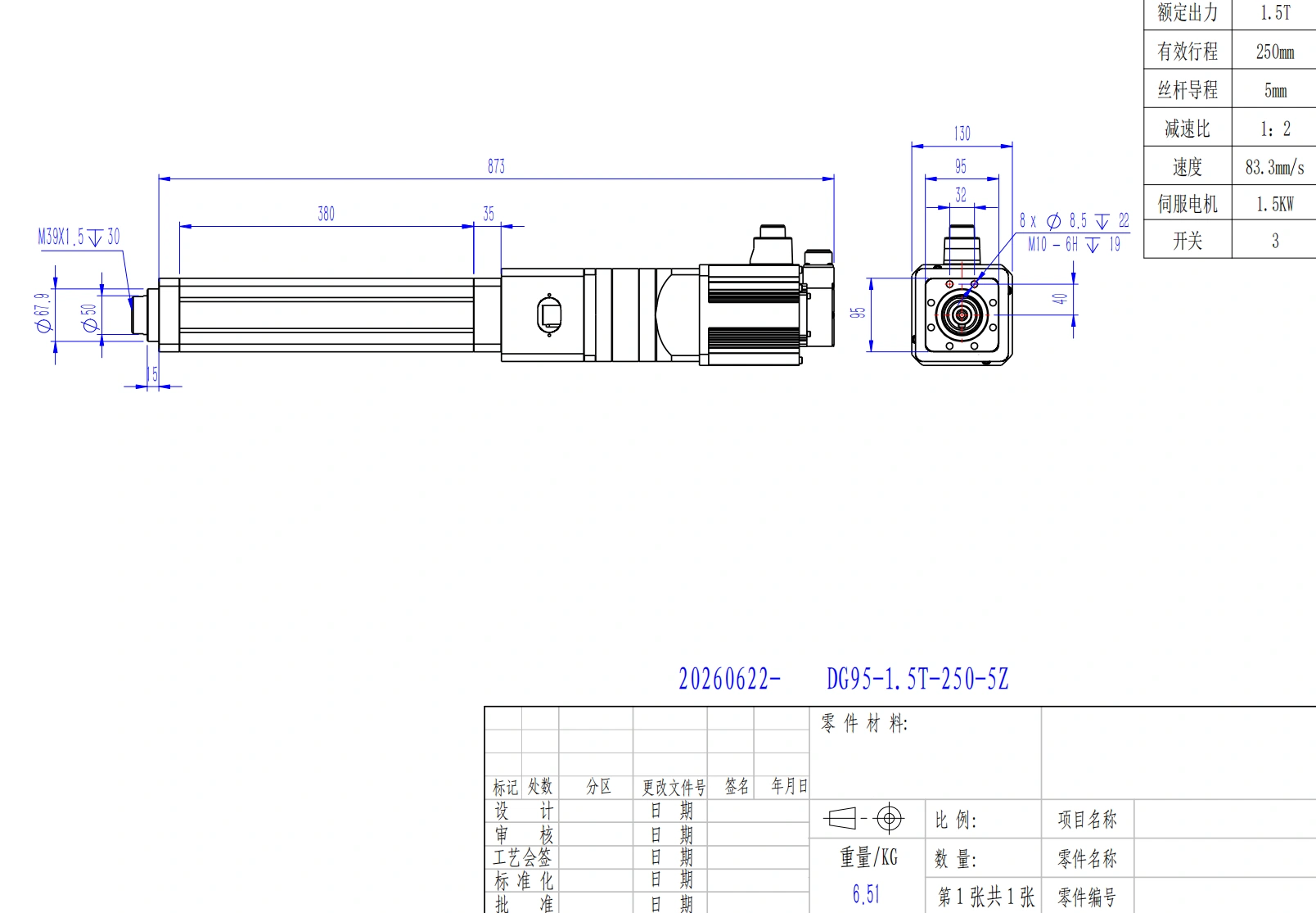 Use current model-specific drawings and dimensions for design release.
Application and motion
Whether the task is push, pull, lift, hinge, slide, position, or synchronized movement
Load or thrust context
The starting point for force requirements
Travel
Required actuator stroke and installed envelope
Loaded speed
Whether the mechanism can move within the required time
Cycle pattern
Run time, rest time, and thermal demand
Mounting geometry
Leverage, changing angles, alignment, and space
Environment
Ingress, temperature, contamination, corrosion, or other project constraints
Power
Supply voltage, current capacity, wiring, and protection
Control and feedback
Switching, controller, position feedback, or coordinated motion needs
If a hinged or offset mechanism is involved, include a sketch with pivot locations and dimensions. If several actuators must move together, include the number of actuators and the required coordination behavior.
Move From Requirement to Verified Design
For many projects, the resources connect in this order:
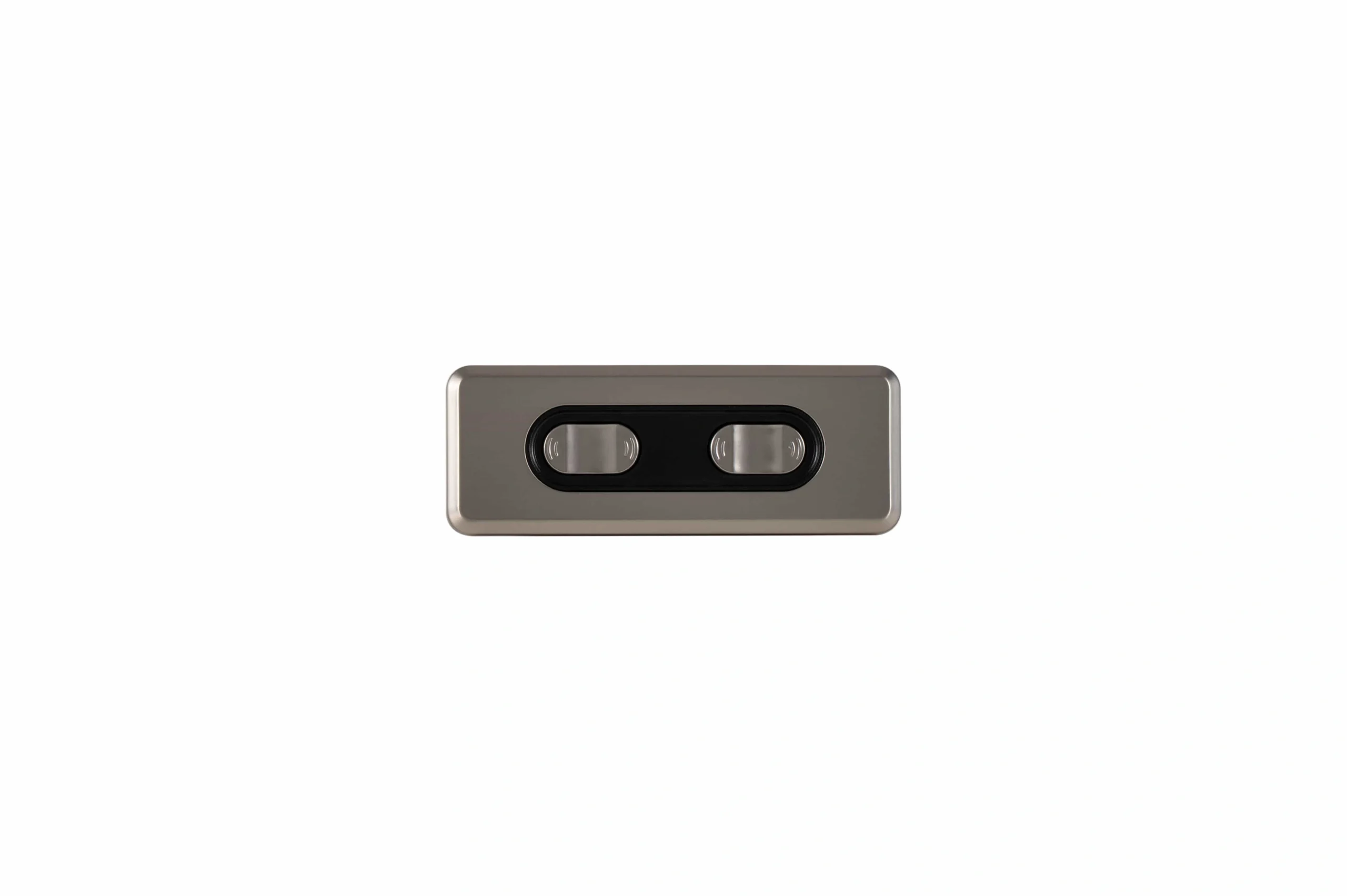 System fit includes controls, power, wiring, feedback, and coordinated motion.
Define the requirement. Use the sizing resource when force, geometry, travel, speed, or duty assumptions still need to be organized.
Identify a candidate. Use the product selector once the main requirements are known.
Verify the mechanical design. Check current CAD, drawings, dimensions, and model data.
Verify the electrical and control design. Check power, wiring, controller, feedback, and multi-actuator interfaces.
Resolve open items. Move document-governance questions to Technical Documentation or send the application to engineering review.
This sequence is a routing framework, not a universal approval procedure. Project requirements can add validation, testing, documentation, or customer-specific acceptance steps.
Engineering Files and Controlled Documentation Serve Different Tasks
The CAD and data route is intended for engineers who need model files and design-in information.
If your project instead needs document control, test-report review, controlled drawings, revision handling, or supplier-audit support, use Technical Documentation to define the requested evidence and review process.
Keeping these paths separate helps prevent a downloadable file from being mistaken for a complete project-documentation package.
Open Technical Documentation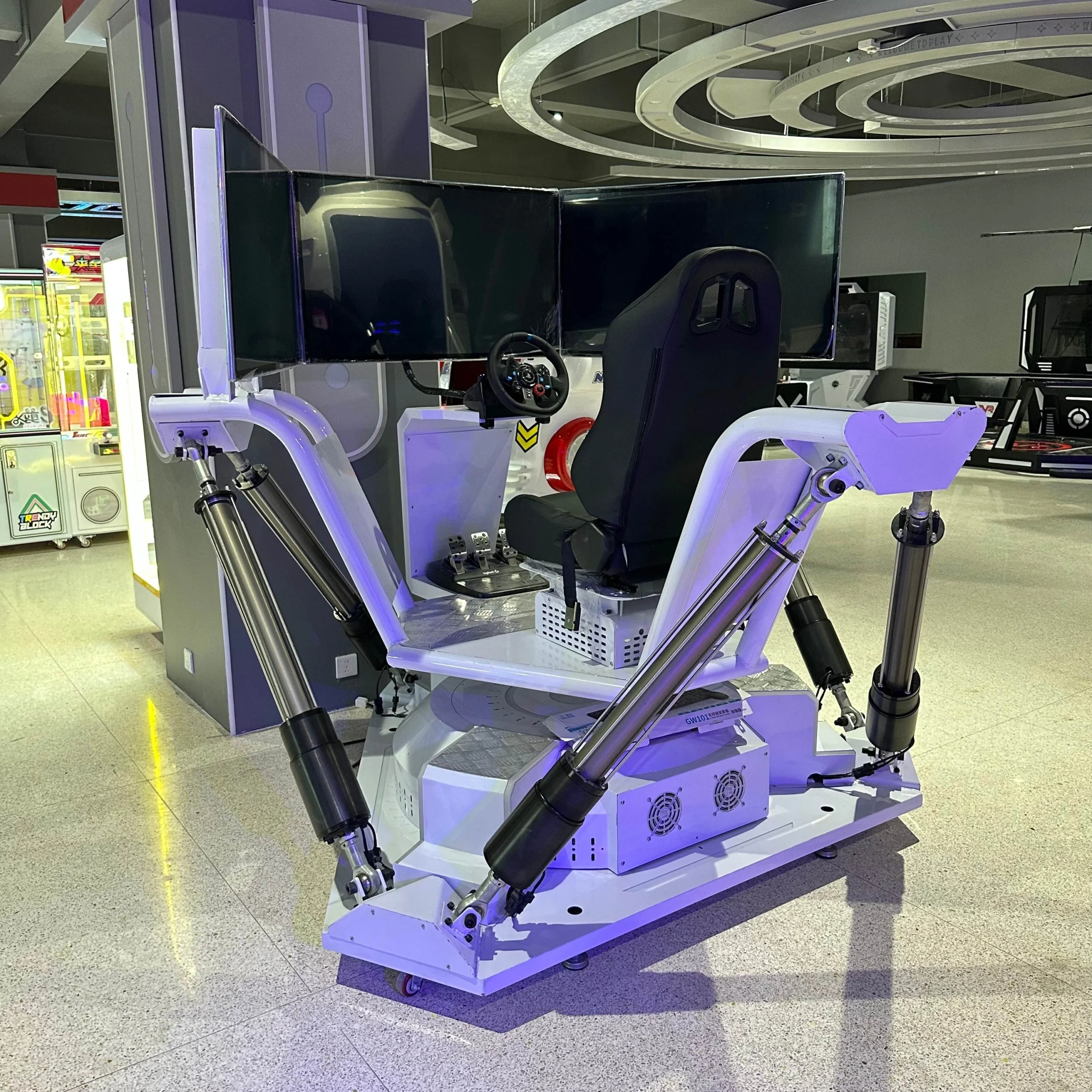 Factory context supports engineering review; project-specific validation still depends on the actual configuration.
When to Send the Project to Engineering
Self-service resources work best when the application falls inside clearly defined conditions. Engineering review is useful when:
- geometry creates a changing or difficult-to-calculate load;
- side load or guidance is uncertain;
- the required force and speed create a difficult tradeoff;
- high cycle frequency raises thermal concerns;
- the environment needs project-specific review;
- the control or feedback interface is unclear;
- several actuators must move in a coordinated system;
- the available files do not resolve the installation question.
Contact ServoCylMotion with your application, motion requirements, load context, travel, loaded speed, duty pattern, mounting geometry, environment, power, control interface, and project stage.
Contact ServoCylMotionFrequently Asked Questions
Which resource should I use first?
Start with the engineering decision that is still unresolved. If the requirement is not yet defined, use sizing. If the requirement is known and you need a candidate, use the selector. If you have a model and need design files, use CAD and datasheets. If the mechanical choice is known but power or controls remain open, use the compatibility resource.
What information should I collect before using the product selector?
Prepare the load or thrust context, travel, target loaded speed, cycle pattern, mounting space, supply voltage, environment, and control or feedback requirements.
Is a selector the same as a sizing calculator?
No. A sizing tool helps estimate or organize the application requirement. A selector uses known requirements to narrow candidate products or configurations. The two resources should be used as connected steps when the project needs both.
What should I verify before putting a candidate into a design?
Check current model data, dimensions, CAD or drawings, loaded performance information where applicable, mounting conditions, environment, power requirements, controller and feedback interfaces, and any project-specific validation requirements.
Where should I go for controlled technical records?
Use Technical Documentation for document-control and evidence-review requirements rather than treating the engineering resource hub as a complete controlled-document package.
What if the available tools do not resolve my application?
Send the open conditions to engineering review. Include the application sketch, load context, motion, geometry, power/control interfaces, environment, and the decision you are trying to close.